Year view
Twelve months, one square a day. Deeper colour, more years written.
08-18.MD · day 230 / 365
One file a day. One ring a year.
Open any date to see every year you've written on it.
Mac · Completely free · macOS 14+ · 6 MB / iPhone · iOS 18+
Pick a year on the Mac's right, or a year button on the iPhone: both turn to the same year. It's the same file.
01 · The idea
August 18 lives in a single file: 08-18.md. This year's ## 2026 goes right beneath last year's. Ten or forty years on, the folder still holds the same 366 files.
# 08-18
Writing the sixth ring on the same day this year.
Plain text · in a folder you own
Point at a year: a section in the file is a ring on the tree
A day
Your first year goes here, and so does your fortieth. Skip the titles and folders; just start writing.
A year
Year headings are the only dividers in the file. One more section, one more ring.
Today
As you write today, last year's entry and the one from five years back are right there.
02 · All
In front of the year buttons sits All: every year of this date, stacked on one page. Tap a year to keep writing in it, or fill in a year you skipped.
iPhone: pinch to step back a layer; spread your fingers to return to the year beneath them
Mac: ⌘ 1 one year · ⌘ 2 All · or pinch on the trackpad
03 · Writing
Markdown marks look like what they mean: bullets for lists, boxes you can tick for to-dos, a bar for quotes. The file stays plain text, the same in any editor.
What you seeTick a box
What's in the file08-18.md
04 · Photos
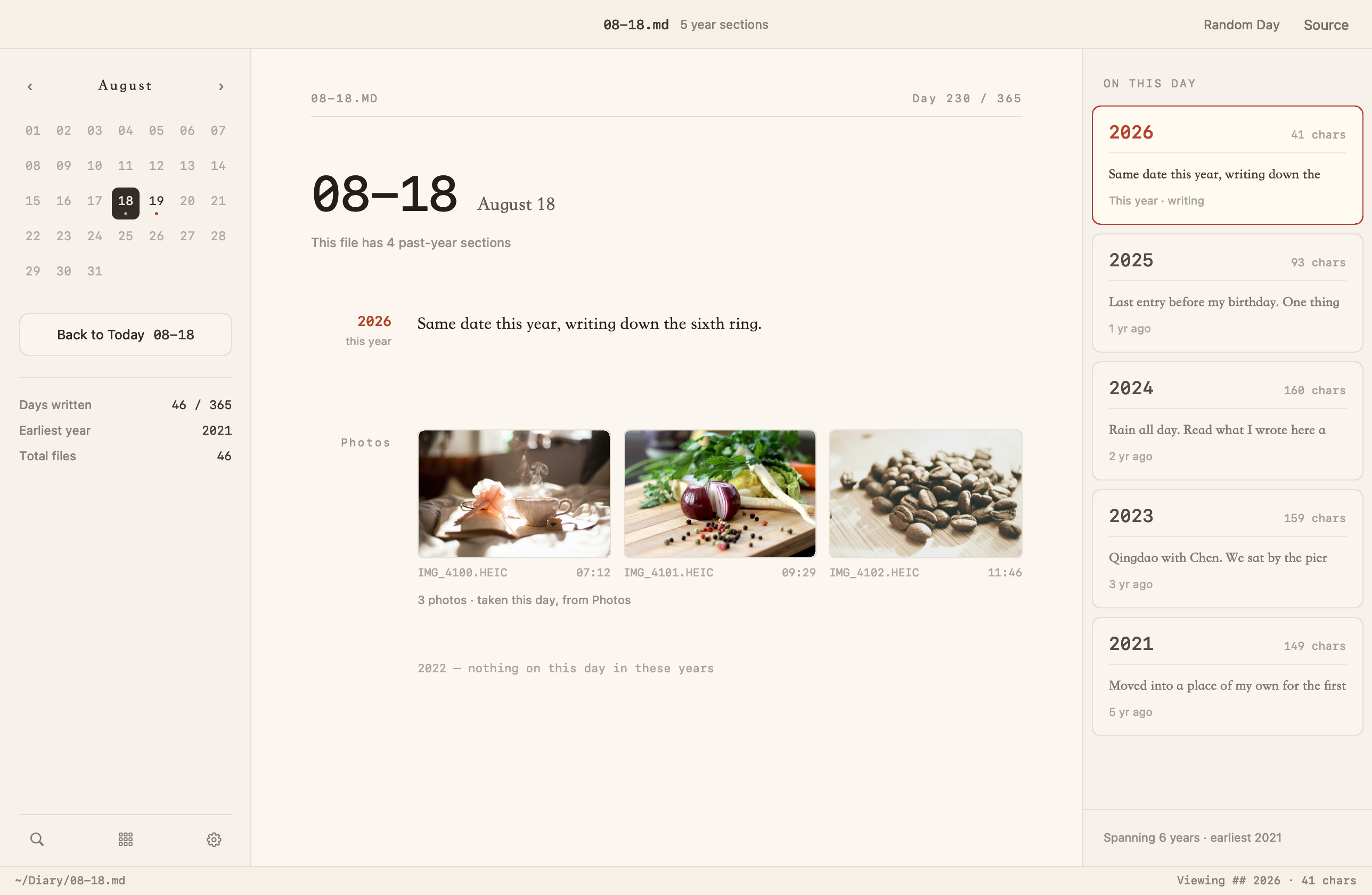
Open any date and the photos you took that day are already below the entry. Choose from three layouts; tap one to see it full screen.
Automatic
Just write; the photos arrive on their own. Any you'd rather keep out of your diary can be hidden.
Read-only
No image links, no copies. Stop using Nenrin and your files are clean plain text.
## 2026
Made tea before anyone was up, and read a page or two by the window. Bought beans on the way home — cooked, finally, and ate late.
Photos · 6All ›

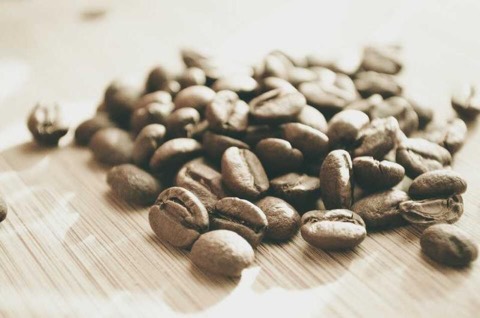
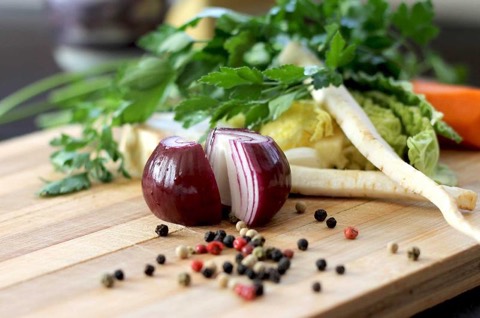
Straight from the Photos app · read-only
Read-only · Nothing written into the file · Full screen, swipe between photos
05 · Colours
Paper, Plain, Osmanthus and Celadon in light; Ink and Indigo in dark. Set it to Auto and the light one is used by day, the dark one by night.
The same set on the Mac and iPhone. Switching recolours the page in place: the year you're reading and where you've scrolled stay put, and the Home Screen widget follows.
06 · Mac and iPhone
Both open the same “Nenrin” folder in iCloud Drive. Start at your Mac and carry on from your iPhone; write on both on the same day and the years are merged, with no conflicted copies left behind.
Widget
See what you wrote on this date in past years without opening the app. It turns to the new day at midnight.
Reminder
Pick the time. Don't want it? Switch it off in Settings.
 Nenrin22:00
Write a few lines for today — past years are waiting to be reread.
Synced by iCloud Drive · merged by year · Dropbox, Syncthing and Git work too
07 · Leaving
Your entire diary is a folder of 366 plain text files, so there's no export command: drag the folder away and you have all of it.
Format
Any text editor opens it today, and any editor will still open it forty years from now.
Backups
Time Machine, iCloud, Git or an external drive: backing up your diary means copying one folder.
Nenrin
366 plain text files · copy to export
08 · More
Twelve months, one square a day. Deeper colour, more years written.
Search every year at once and jump straight to the day.
Open any day of any year and reread an old one.
Saving rewrites only this year's section; the same day written on two devices is merged by year.
A nudge to write today, at a time you choose.
New versions download in the background; restart and you're up to date.
The Mac app speaks 8 languages; the iPhone app, English, Chinese and Japanese.
There's no server of ours and no analytics code. Your words stay yours.
09 · Download
Begin on one device. When you want the other, point it at the same folder.
NENRIN FOR MAC
No in-app purchases, no subscriptions, no ads. Native AppKit and SwiftUI: quick to open, smooth to scroll, and it updates itself.
NENRIN FOR IPHONE
Every feature is free. In Settings you'll find Nenrin Pro Lifetime: an optional one-time purchase to support an independent developer. It unlocks nothing extra.

Questions
MM-DD.md per date, same date merged by year”.